 BellGo TrackWorkforce Operations Platform
See every shift, every site, and every person in real time.
Plan schedules, assign work, monitor team activity, and verify operations live across every site.
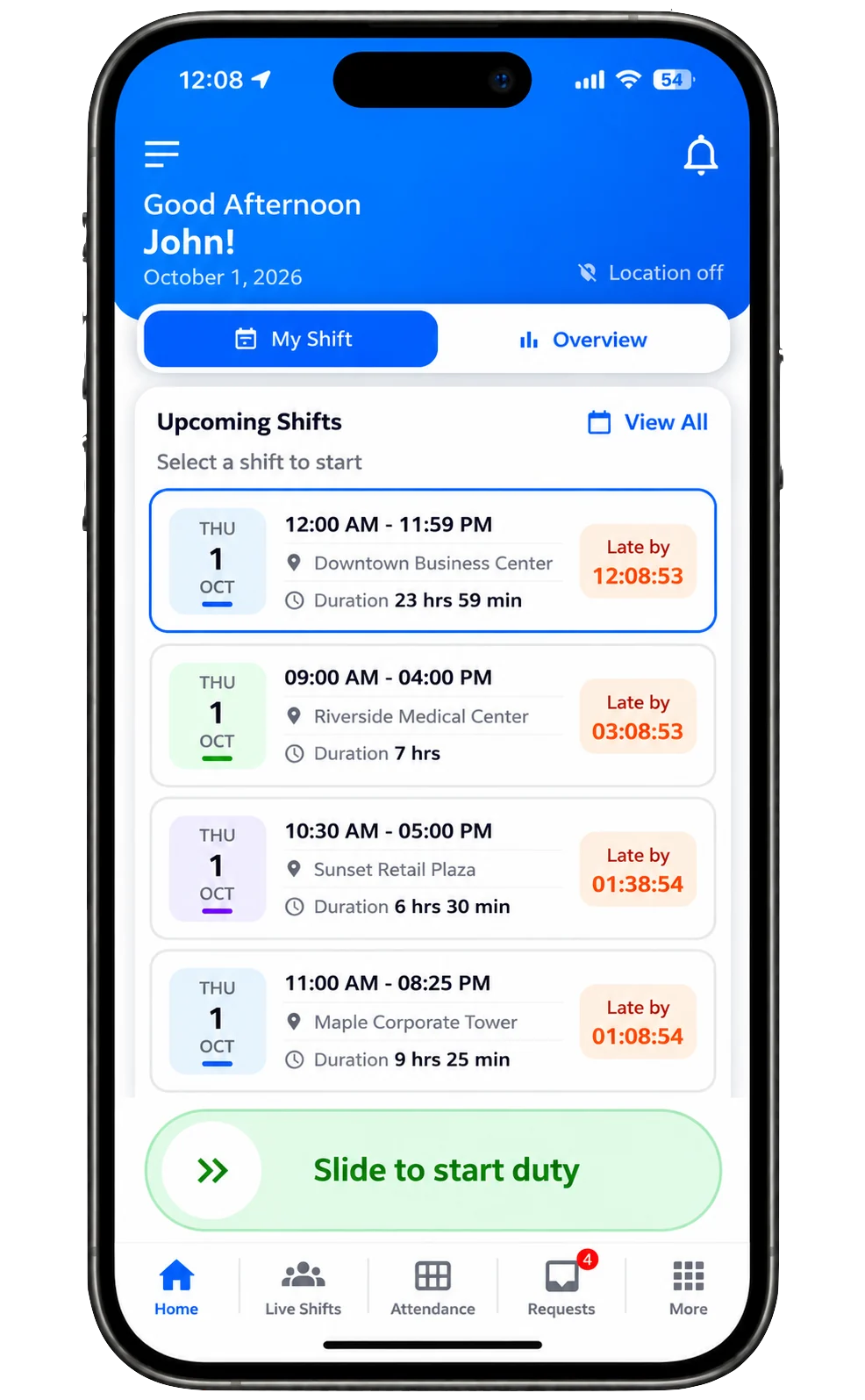
Build the week once. It repeats.
Put people on a calendar by day and site. Set that pattern to repeat, then change a single day when the week is different.
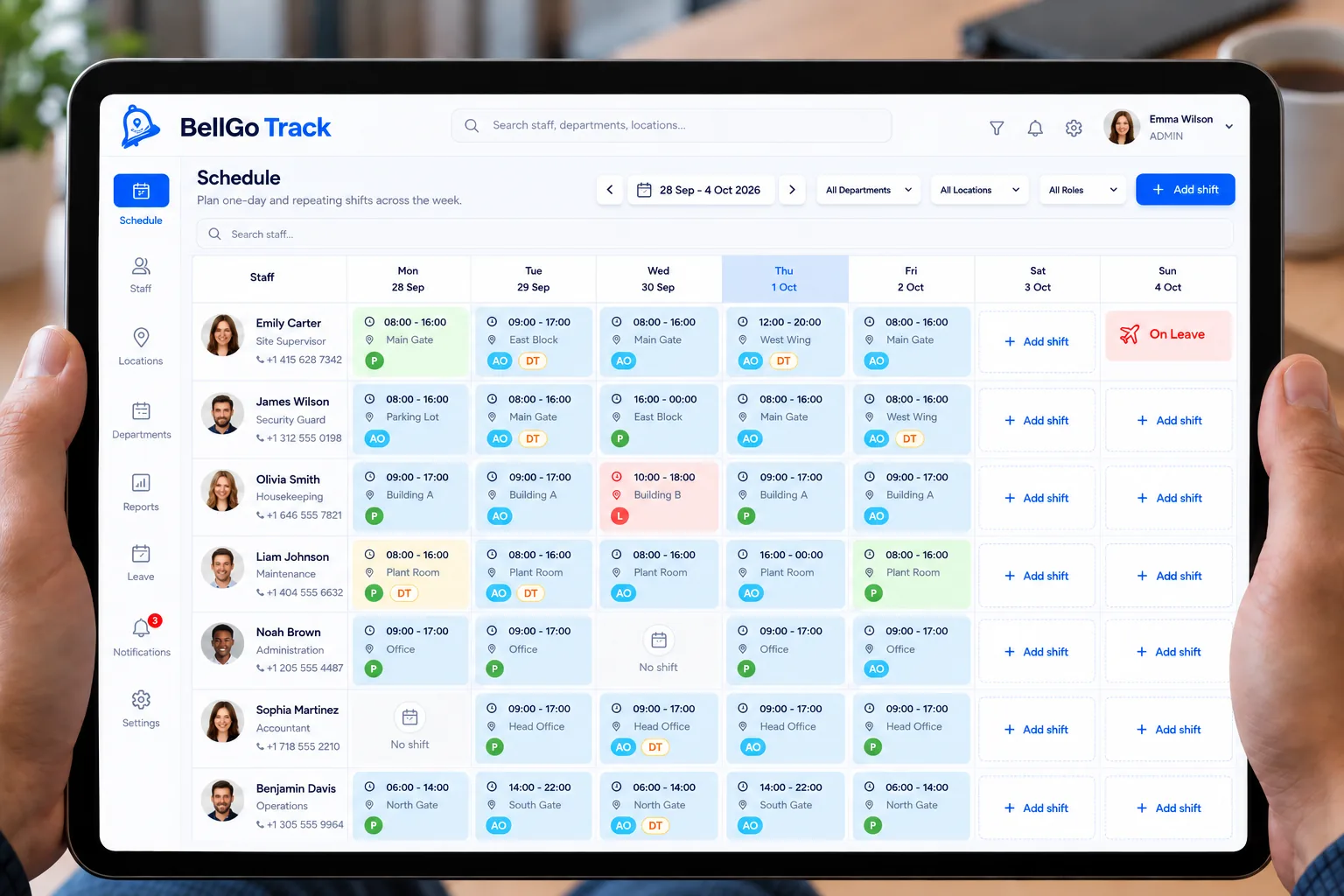
QR and NFC tours for duties that repeat.
The same job duties come back on that schedule. Staff scan each QR or NFC point, and the duty stays open until every point on the tour is done.
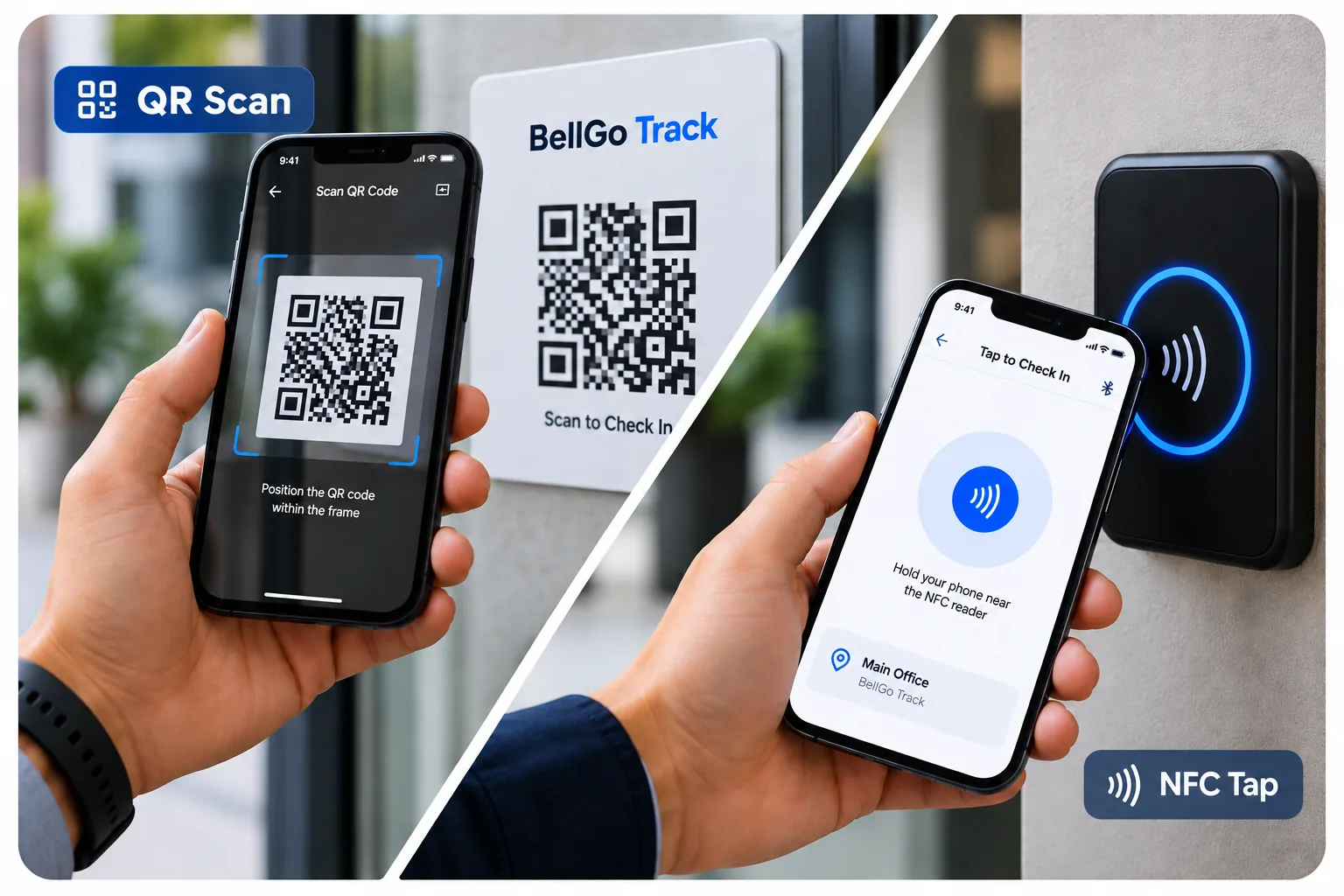
From the first punch to the final paycheck.
One set of verified hours carries each shift from clock-in to payroll.
Attendance
They were really there.
Each punch uses face, GPS, and a block on mock-location apps.
More about this feature
Live shift
See the shift while it is happening.
Who is clocked in, and where they are, until the shift ends.
More about this feature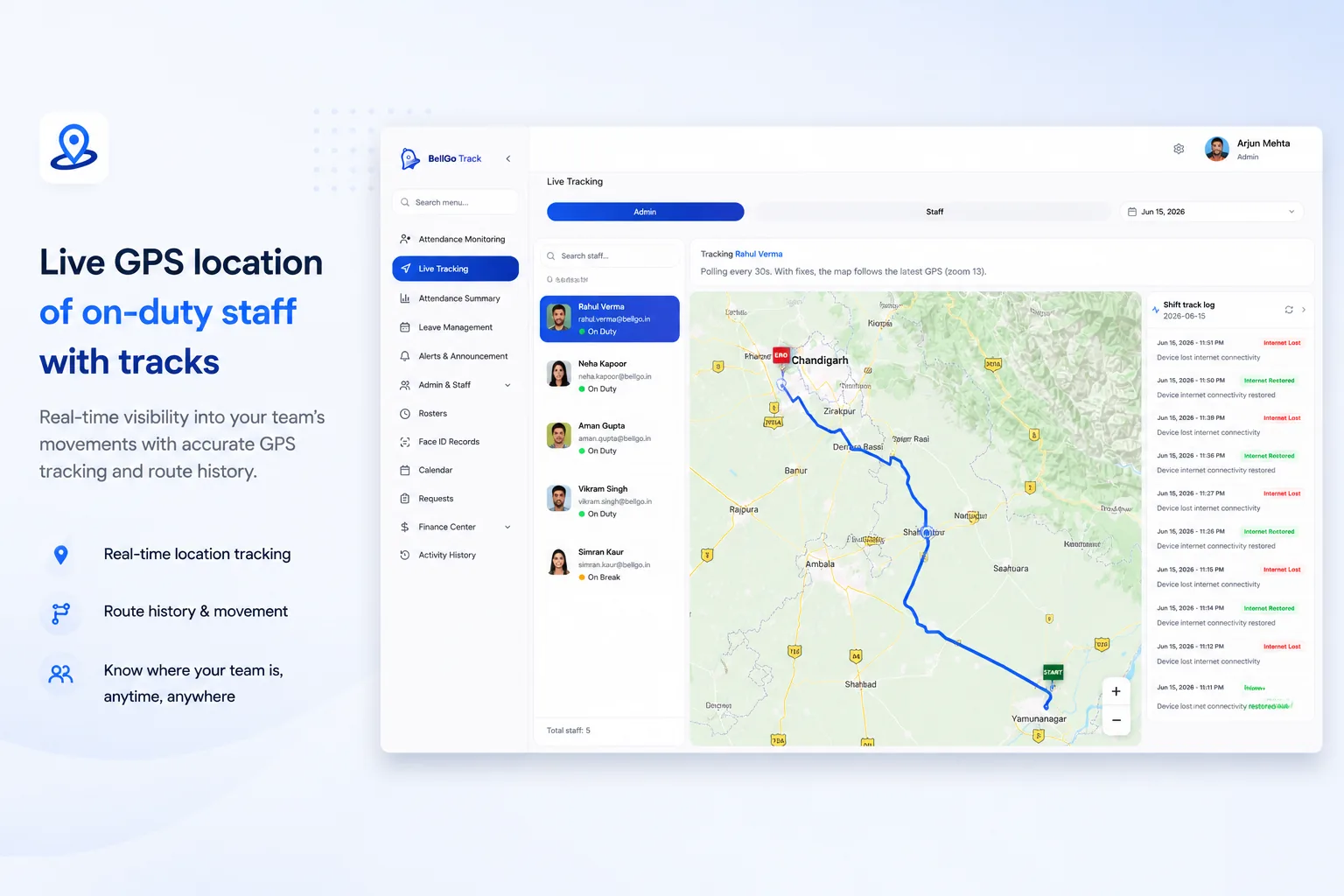
Payroll
Overtime, holidays, and leave, paid the way you set them.
Verified shift hours feed Track payroll. Set the rules once in Payroll Settings on the web portal, then give any person their own.
More about this featureOvertime multiplier
Hours past a daily limit pay at the rate you choose, such as 1.5×.
Holiday rate
Shifts on calendar holidays pay at their own multiplier.
Paid and unpaid leave
Paid leave pays the scheduled shift. Unpaid leave stays at zero.
Scheduled or punched hours
Pay the roster or the punch, with a grace buffer or round-up.
Breaks and caps
Unpaid breaks come off, and paid hours can stop at the schedule.
Per-person rules
Hourly rate or monthly salary, with a custom rule for anyone.
Payroll Examples
See how payroll is calculated for different scenarios
Holiday
10-hr roster shift on a holiday.
Total Hours
10.00 hrs
Daily OT Threshold
8.00 hrs
Overtime Hours
2.00 hrs
Holiday Hours
First 8 hours at holiday rate (2×)
Overtime Hours
Hours beyond 8 hours (2× × 1.5×)
$330.00
(10.00 hrs)
Holiday Rate
$30.00 /hr
(2×)
Overtime Rate
1.5×
($45.00 /hr)
Overtime Rule
Applied only to hours worked beyond the daily overtime threshold.
Built for teams that work on their feet and on the move.
Whether managing security guards, hotel floors, cleaning routes, or construction crews, BellGo Track adapts to your field reality.
Why operations leaders switch to a live operational view.
Legacy tools only record a timestamp. BellGo Track gives you a live view of people, tasks, and performance in real time.
Identity Verification
Field Execution Proof
Live Visibility
Shift Lifecycle
Web Portal for managers + Native mobile apps for field staff
Management controls rosters, checkpoints, and payroll from the web. Field staff punch in and log activities via iPhone or Android.
Questions operations teams ask us
What is BellGo Track?
A platform to plan shifts, verify attendance and control the work of field teams across many sites. It combines a shift calendar, face recognition and GPS clock-in, QR and NFC guard tours, live tracking and payroll calculation.
What kind of companies is it for?
Security companies, hotels, construction firms, cleaning companies, restaurants and corporate facilities, and any team that works in shifts outside an office.
How does it prevent attendance fraud?
Every clock-in is checked with face recognition and a liveness test, records the GPS location and blocks fake-GPS apps. Nobody can clock in for a coworker or from somewhere else.
Do I need to buy time clocks or other hardware?
No. Staff use the BellGo Track app on their iOS or Android phone, and managers work from the web portal. You only need QR or NFC tags if you use guard tours.
Does it calculate overtime and holiday pay?
Yes. You set the daily limit, overtime and holiday multipliers, breaks and leave to match your policy and local law, and BellGo Track applies them to verified hours.
How can I see a demo?
Book a 15-minute demo from this page or message us on WhatsApp. We reply within one business day.
Ready to bring real-time clarity to every shift?
Book a tailored walkthrough and see how your teams stay visible, verified, and on schedule.
Available on iOS, Android & Web Portal