
Contractor and maintenance management for corporate buildings
Technicians, vendors, cleaning and security staff work across several buildings at the same time. BellGo Track verifies who is at each property, assigns work orders with evidence and brings your entire operation into one dashboard.
- Verified contractor presence
- Work orders with photos
- One dashboard for all your buildings
Why running multiple properties gets out of control
No presence tracking for contractors
Outside vendors come and go without a reliable record of how long they stayed and what they did.
Maintenance with no follow-up
Work orders get lost between emails and phone calls, and there's no proof of how the issue was fixed.
Information scattered by building
Each property reports its own way, and consolidating the operation takes days.
Operations for all your buildings in one place
In-house staff, technicians and vendors with verified presence and documented work.
Verified vendor presence
Contractors and technicians clock in with face recognition and GPS when they arrive at each property.
See the featureWork orders with evidence
Assign maintenance jobs and get progress updates and the fix documented with photos.
Multiple buildings, one dashboard
Consolidate operations for all your towers and complexes in a single web portal.
See the featureTechnical and security tours
Use QR or NFC checkpoints for equipment checks, mechanical rooms and security tours.
See the featureShifts for in-house teams
Schedule maintenance, cleaning and security shifts for each building.
See the featureConsolidated reports
Review operations across all properties in single reports, without building spreadsheets.
How to roll it out across your properties
- 1
Add your buildings
Create each property with its location and areas.
- 2
Add teams and vendors
Register your in-house staff and the contractors who work at each site.
- 3
Assign jobs and tours
Create work orders and checkpoints for recurring checks.
- 4
Supervise from one dashboard
See live who is in each building and which jobs have been closed.
Explore the features
Face recognition attendance
Mobile clock-in with face match, liveness check, GPS and fake-location blocking.
Learn moreQR and NFC guard tours
Physical checkpoints staff scan on every tour, with alerts for missed points.
Learn moreShift scheduling
A shift calendar by day and site that repeats every week and changes one day at a time.
Learn morePayroll and overtime
Verified hours turned into payroll with your rules for overtime, holidays and leave.
Learn moreLive tracking
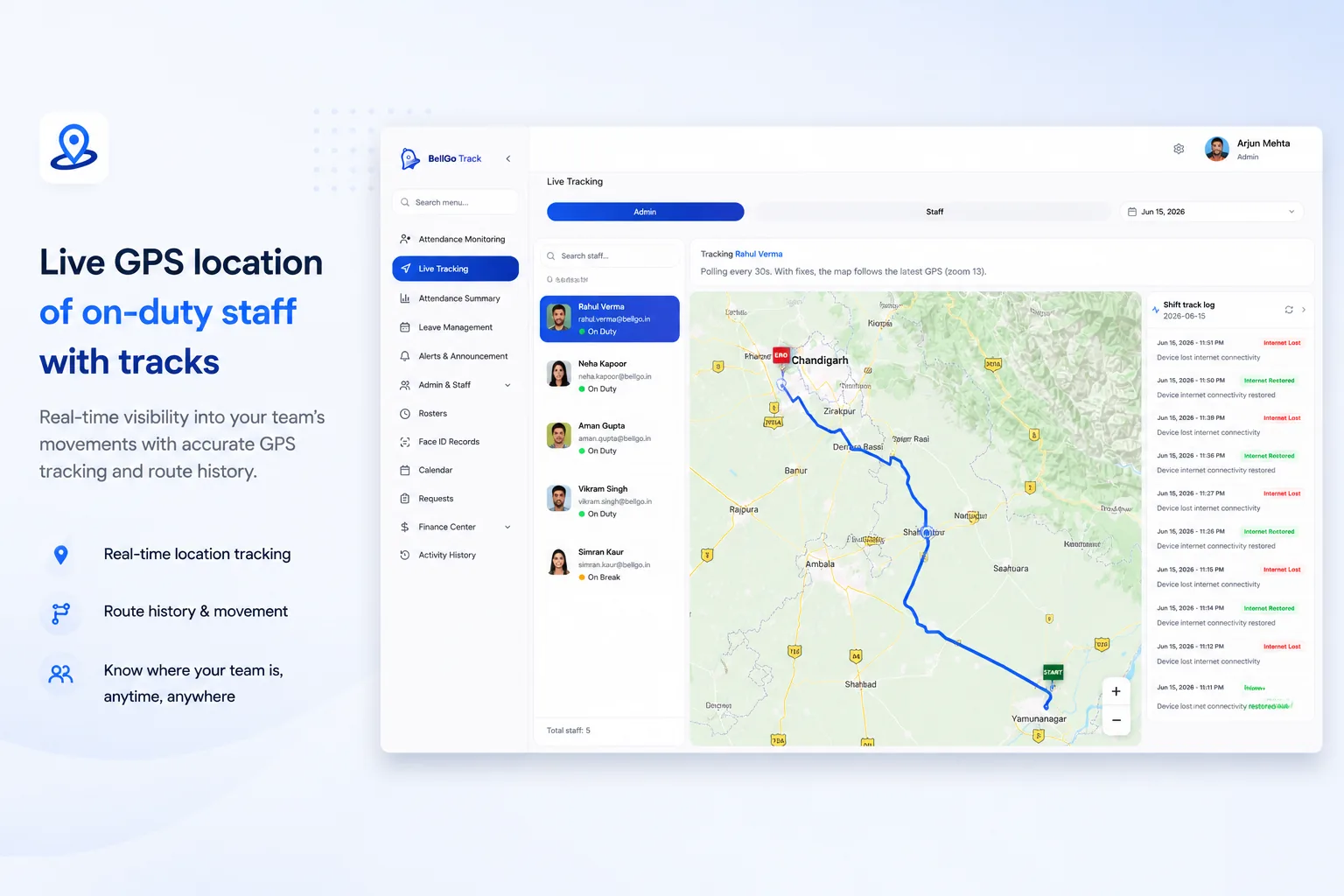
A live map of who is on shift, where they are and which geofences are breached.
Learn moreFrequently asked questions
How do I verify a contractor was in the building?
The contractor clocks in and out from the app with face recognition and GPS. That leaves a record of who was there, at which property and for how long.
Can I follow up on maintenance work orders?
Yes. Each assigned job records its progress and resolution with photos, time and location.
Does it work for multiple buildings at once?
Yes. BellGo Track brings operations for all your properties into a single web portal.
Can recurring technical checks be scheduled?
Yes. With QR or NFC checkpoints, you set up checks that repeat at the interval you choose.
See BellGo Track with your own operation
A 15-minute walkthrough shaped around how your team works.