
Guard tours with QR and NFC checkpoints from the phone
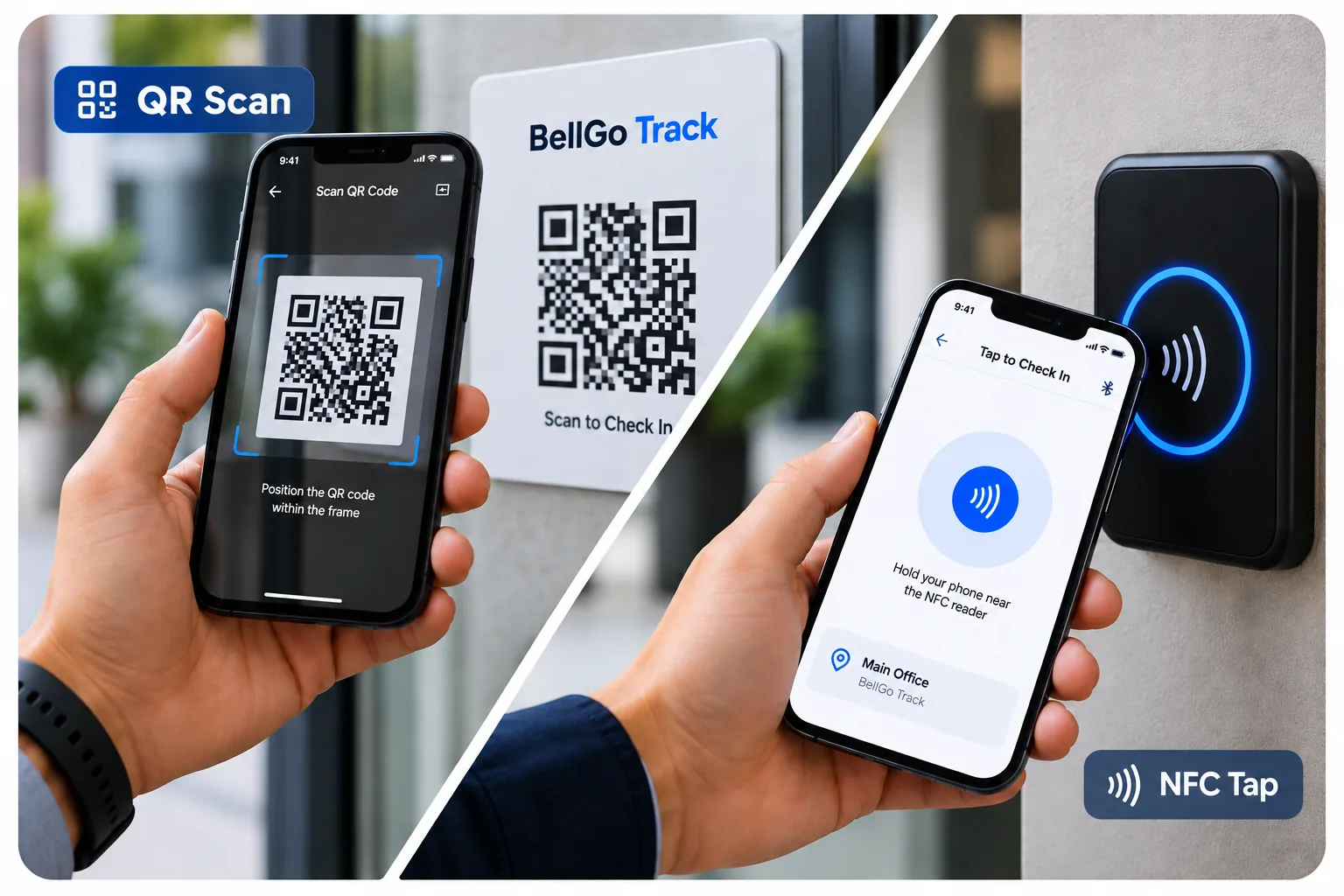
Place QR or NFC tags at the points that need to be checked. Staff scan them with their phone during the shift, each scan is logged with time and GPS, and the tour stays open until every point is completed.
- QR and NFC checkpoints
- Tours that repeat on their own
- Alerts for missed checkpoints
What goes wrong with traditional guard tours
Logbooks filled in afterward
Paper tours are written up at the end of the shift, and there is no way to know if they actually happened.
Expensive, isolated equipment
Guard tour wands require downloading data at a base station and show nothing in real time.
Skipped checkpoints
When nobody is checking in the moment, the most remote checkpoints are the first to be skipped.
Tours verified checkpoint by checkpoint
Everything you need to prove that each tour was completed in full and on time.
QR checkpoints
Print low-cost QR tags for each point. Staff scan them with the phone camera.
NFC checkpoints
NFC tags are read by holding the phone close. They hold up better to weather and wear.
Recurring tours
Set how often the tour repeats, for example every hour. The task comes back on its own at that interval.
Alerts for missed checkpoints
If a checkpoint is not scanned on time, the control room gets an alert right away.
See the featureGPS and photo at every checkpoint
Each scan stores location and time, and you can require a photo as evidence.
Tour reports
Generate reports with every scanned checkpoint and its evidence, ready to hand to your client.
How to set up a tour
- 1
Create the checkpoints
Add each checkpoint in the web portal and generate its QR or NFC tag.
- 2
Install the tags
Place each tag at its physical location: doors, gates, equipment rooms, restrooms.
- 3
Define the tour
Group the checkpoints into a tour, assign it to a shift and choose how often it repeats.
- 4
Monitor live
See the progress of each tour and get alerts when a checkpoint is missed.
Industries that use it
Security & Guarding
QR and NFC guard tours, face-verified officers and patrol reports ready for your clients.
Learn moreHotels & Hospitality
Department rotas, housekeeping checklists with photos, and night and holiday hours calculated for you.
Learn moreConstruction & Contracting
Geofenced, face-verified crew attendance, safety briefings and photo-logged inspections.
Learn moreCleaning & Facilities
Crews across many sites, task lists per location and photo proof of service for every client.
Learn moreRestaurants & Dining
Split shifts, opening and closing checklists, and break logging for kitchen, bar and floor.
Learn moreCorporate & Commercial
Maintenance, contractors and technicians across buildings in one dashboard, with proof of every job.
Learn moreFrequently asked questions
Which is better for guard tours, QR or NFC?
It depends on the location. QR is cheaper and easier to replace; NFC is read without the camera and holds up better outdoors. BellGo Track lets you use both in the same tour.
Do I need a guard tour wand or special reader?
No. Staff scan checkpoints with their own phone using the BellGo Track app for iOS or Android.
How do I know if a checkpoint was missed?
The tour stays open until every checkpoint is completed, and the control room gets an alert when a checkpoint is not scanned on time.
Is it only for security?
No. Tours are also used for restroom cleaning checks, technical maintenance rounds or facility audits.
Can I share the reports with clients?
Yes. Reports show every scanned checkpoint, the time and the evidence, ready to share.
See BellGo Track with your own operation
A 15-minute walkthrough shaped around how your team works.