
Cleaning company software with proof of service
Your crews clean offices, branches and buildings for different clients every day. BellGo Track assigns routes and tasks for each site, verifies when staff arrive and stores GPS-tagged photos of every finished job.
- Routes and shifts across multiple sites
- Task checklists for each facility
- Photos with GPS and time as proof
The challenges of running a cleaning company
"Nobody came to clean"
Without evidence, every client complaint turns into their word against your staff's.
Staff spread across many sites
Knowing who arrived at each facility and when takes phone calls and supervisors on the road.
Tasks that get forgotten
Sanitizing, restocking supplies or taking out the trash get skipped when instructions live on paper.
Control of the cleaning service at every site
Plan routes, verify arrival and show each client the work was done.
Multi-site shifts and routes
Assign crews to commercial and residential sites on the calendar. The pattern repeats every week.
See the featureTask checklists for each facility
Each site has its own checklist: sanitizing, supplies, trash, vacuuming. Staff check off each task as they finish it.
Photos with GPS and time
Each finished task can require a photo, which is saved with GPS coordinates and a timestamp.
Verified arrival
Staff clock in at each site with face recognition and GPS, so you know who was there and for how long.
See the featureSupervision tours with QR and NFC
Place checkpoints in restrooms or critical areas to confirm they are checked as often as agreed.
See the featureCompliance reports for clients
Share with each client the services performed and how well the contract terms were met.
How to get started with your cleaning company
- 1
Add clients and sites
Set up each facility with its location and service hours.
- 2
Create task checklists
Define what gets done at each site and which tasks require a photo.
- 3
Assign crews
Place staff on the calendar by site and day.
- 4
Share the proof
Check progress live and give each client their service report.
Explore the features
Face recognition attendance
Mobile clock-in with face match, liveness check, GPS and fake-location blocking.
Learn moreQR and NFC guard tours
Physical checkpoints staff scan on every tour, with alerts for missed points.
Learn moreShift scheduling
A shift calendar by day and site that repeats every week and changes one day at a time.
Learn morePayroll and overtime
Verified hours turned into payroll with your rules for overtime, holidays and leave.
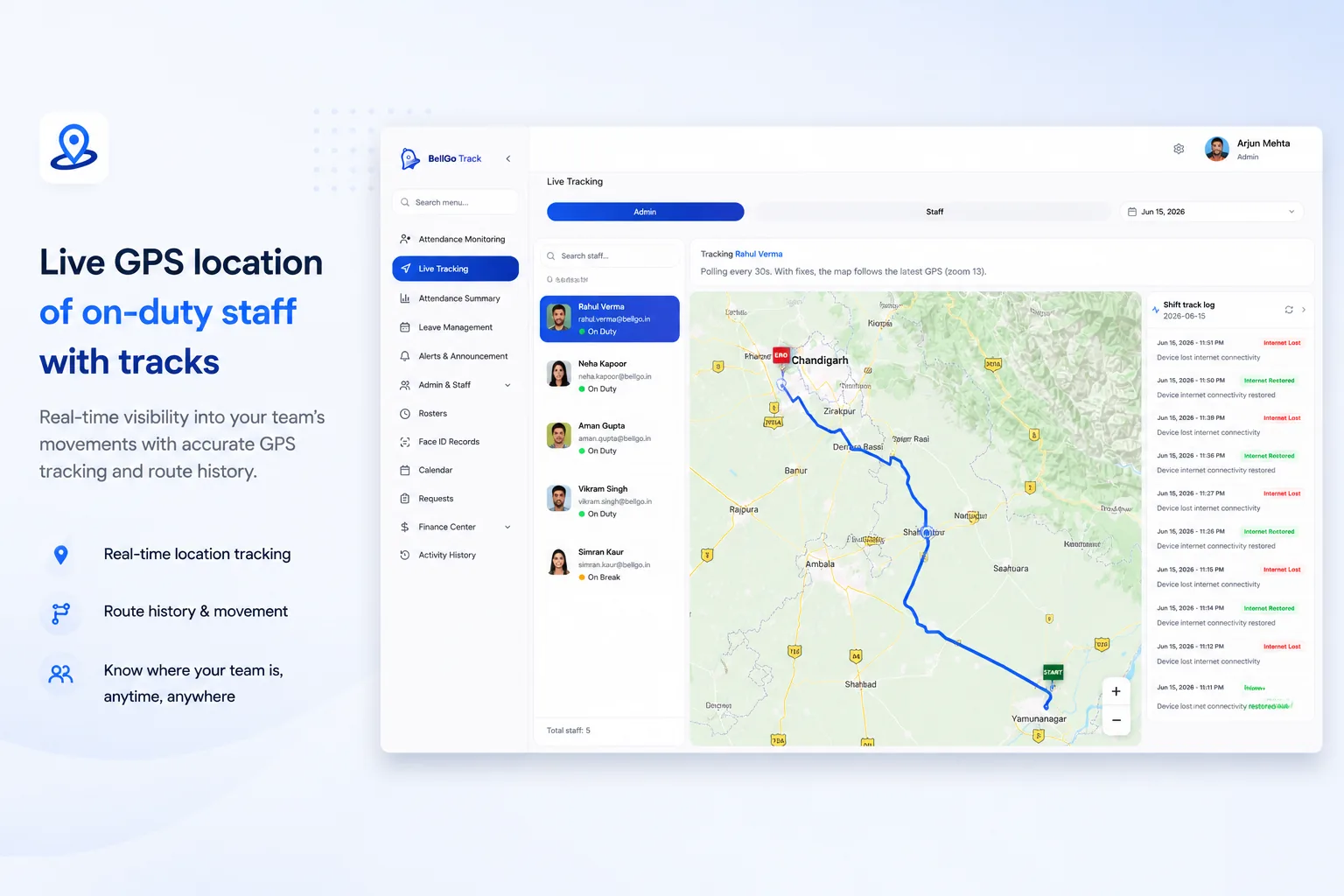
Learn moreLive tracking
A live map of who is on shift, where they are and which geofences are breached.
Learn moreFrequently asked questions
How do I prove to my clients that the cleaning was done?
With BellGo Track, each task can require a photo that is saved with GPS and time. On top of that, clock-in and clock-out at each site are verified with face recognition.
Can I manage staff at many sites at once?
Yes. From the web portal, you see who is on shift at each facility and which tasks are still pending, without relying on phone calls.
Can checkpoints be used in restrooms or common areas?
Yes. You can install QR or NFC tags so staff log each check at the frequency you set.
Do staff need special equipment?
No. All they need is the BellGo Track app on an iOS or Android phone.
See BellGo Track with your own operation
A 15-minute walkthrough shaped around how your team works.